Plan your ultra.
Pace it right.
A pacing plan calibrated from a GPX file — by bike or on foot — profile, resupply, weather, cut-offs — then a mobile app to follow it, even offline, on race day.
Free · no account · 100% in your browser
Step 1 · start here
Cockpit — prepare
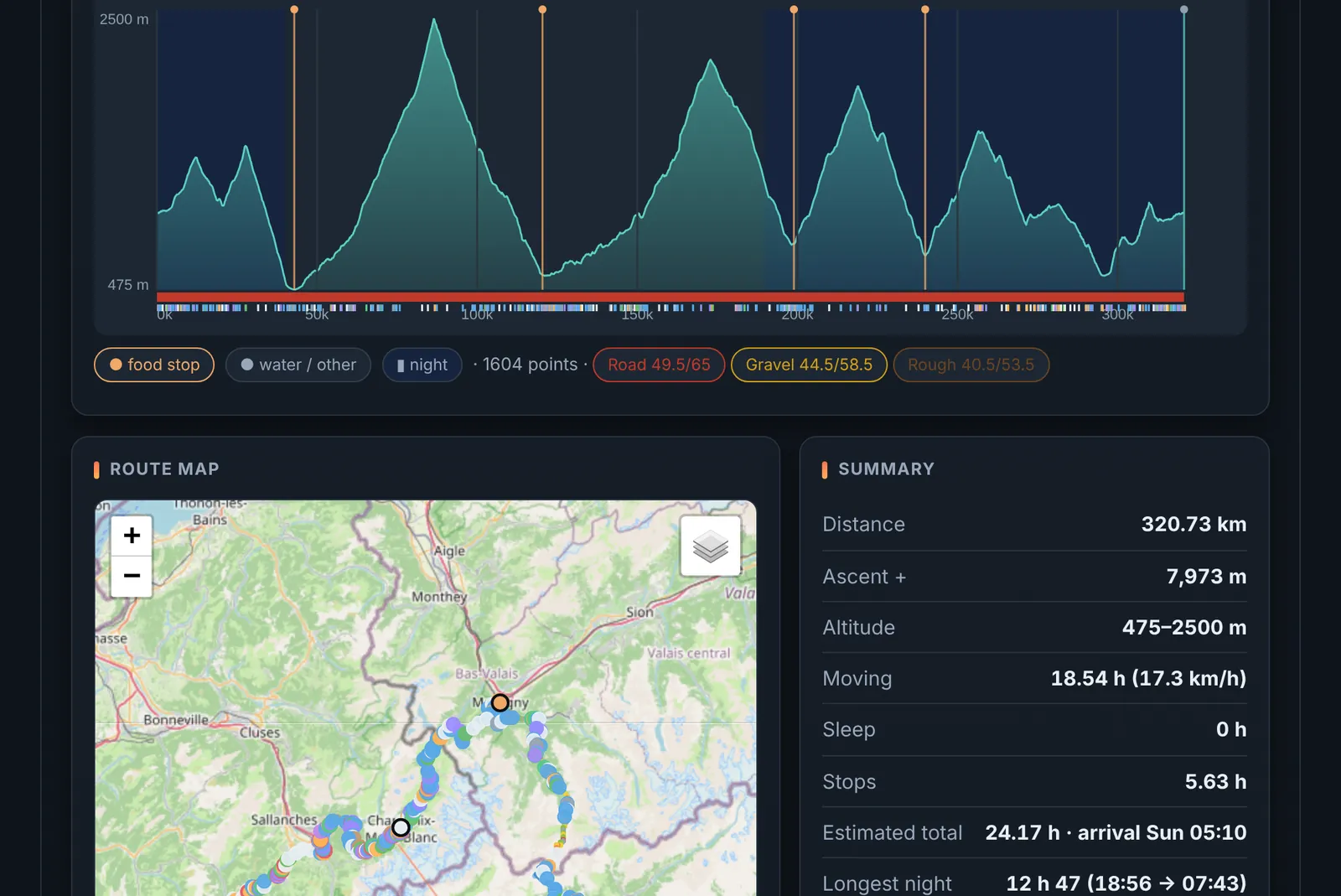
Know your finish time and pace before you even start. On desktop: load a GPX, calibrate your model, enrich the route (OSM, weather, sun), generate your plan and export it.
Open the cockpit → Step 2 · race dayApp — track
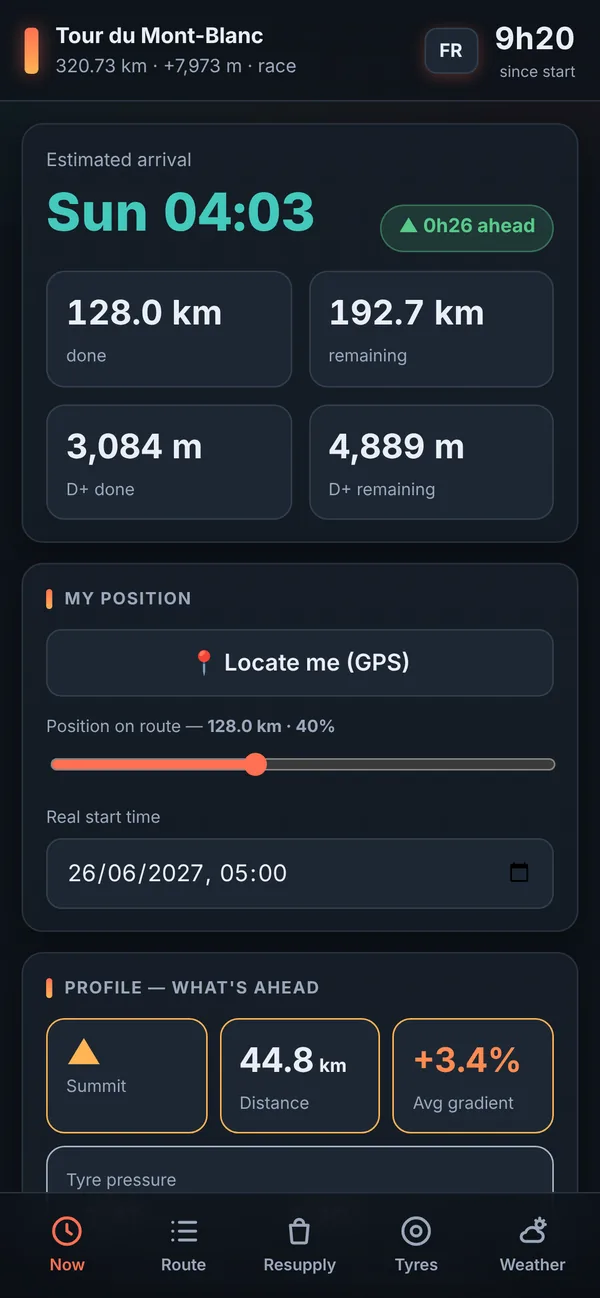
Know if you're ahead or behind, in real time — even with no signal. On your phone and offline: import your plan (GPS position, ETA, next points and cols, resupply, weather). Add it to your home screen.
Open the app →Quick guide
1
Prepare (on desktop)
- Open the Cockpit and pick the sport (bike / running) and the mode (race / touring).
- Load your GPX file.
- Set the parameters: power (bike) or climb/descent speeds (running); in touring, max distance + climb per day.
- Enrich: OSM (water, toilets, shops), weather, sun.
- Click Compute, then export plan.json (for the app) and parcours-POI.gpx (for your GPS).
2
Install the app
3
Track your ride
- In the app, import your plan.json (sent via AirDrop / share) — it stays saved.
- Set your position (slider or 📍 GPS) and your real start time.
- You continuously see the ETA, ahead/behind, the next points and cols, resupply and weather.